
Plus
Bulletin Board
Share your moment on the message board
Allow members to share what is on their minds with a bulletin board. Create more interaction and connection.
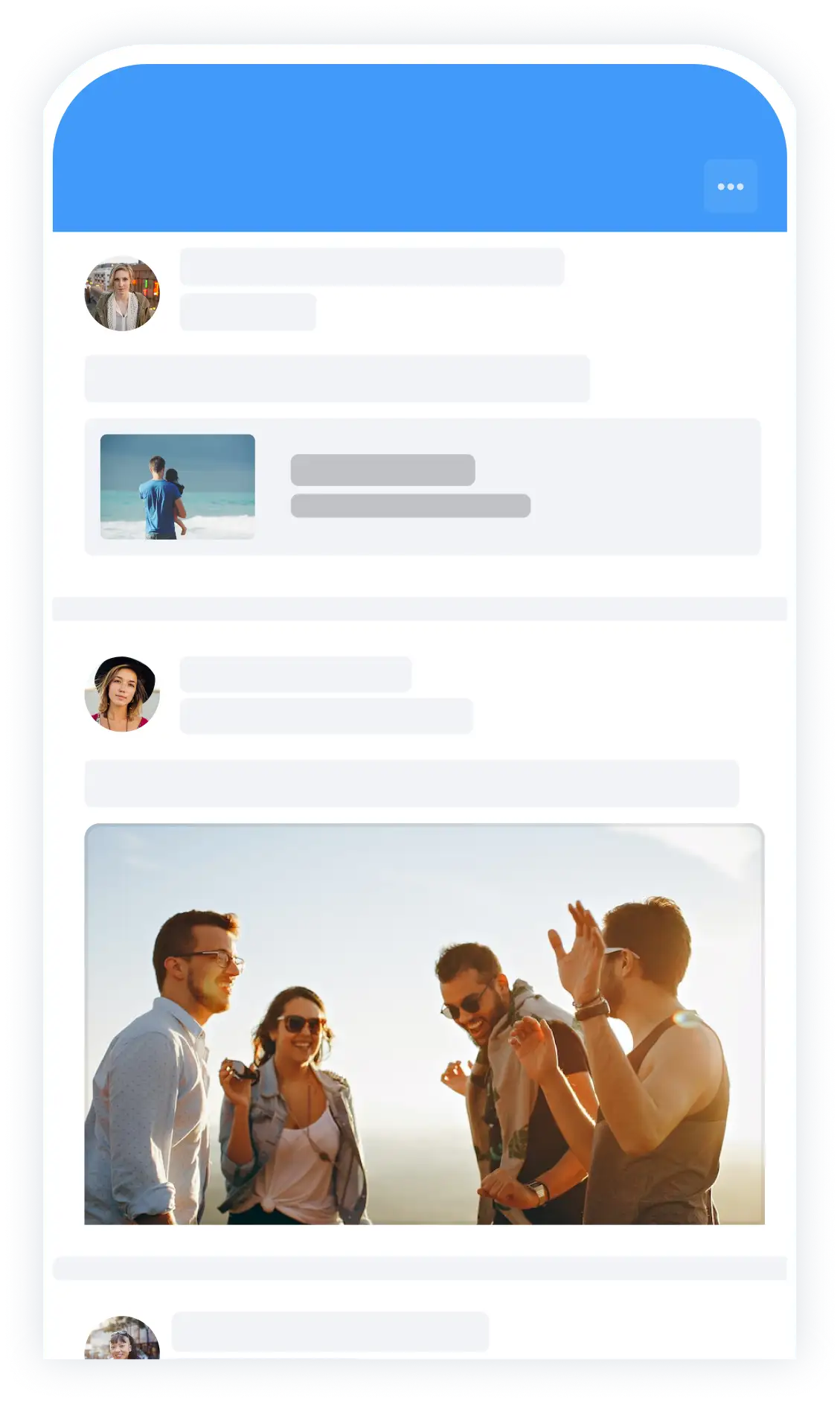
Post messages
A fun experience, something to sell or an interesting link? Share it with the community.
Share photos and videos
Can’t say it in a thousand words? Then share a picture with the others.
Share documents
Share files and documents with your members. Quickly and from within the app.
Respond
Members can easily interact and tag others members.
Fix messages
An important announcement that everyone needs to read? Pin messages.
Optimal use of the Message Board
The Message Board is the place where members can reach each other quickly and easily. Post a message, ask a question, share an update or promote an activity – the Notice Board is your community’s central meeting place.
With the Message Board, you increase engagement and stay in touch with each other, both through the Socie app and the Socie web app.
💡 Tip: Use the Message Board for news, calls, announcements, notifications, congratulations or sharing fun moments. This will keep your community active and engaged!
What can you do with the Message Board?
Post messages that are visible to the entire community or a specific group.
Replying and responding To messages from others.
Images and attachments Add to complete your message.
Receive notifications When there is a new post or comment.
Manage everything directly via the app or web app.
Endless applications
Enable all your community members to share something with the community. Members can use the app to post messages and/or photos, and others can post comments (optional). The message board is the place where the members of your community come together.
- Notice
- Reporting accepted packages
- Announcing activities
- Sharing fun moments
- Posting calls
- Asking help questions
- Sharing information
- Reporting malfunctions

Frequently asked questions about the Message Board
Anyone with access to the Message Board can post messages. Administrators can control who can post or respond via settings.
Yes. You can choose whether a post is visible to the entire community, or only to specific groups.
Yes, if you posted the message yourself, you can edit or delete it at any time. Administrators can also moderate posts.
Yes. Users receive push notifications or emails when there are new posts or responses – depending on their notification settings.
Sure! You can easily add images, documents or other files to your post.
Yes. All posts are retained, so members can always read back or respond to previous posts.
Yes, the Message Board works fully through both the Socie app and the Socie web app, so members everywhere stay informed.