
Polls
Stel je community vragen via een poll
Maak een poll en vraag je community of een specifieke groep om hun stem.
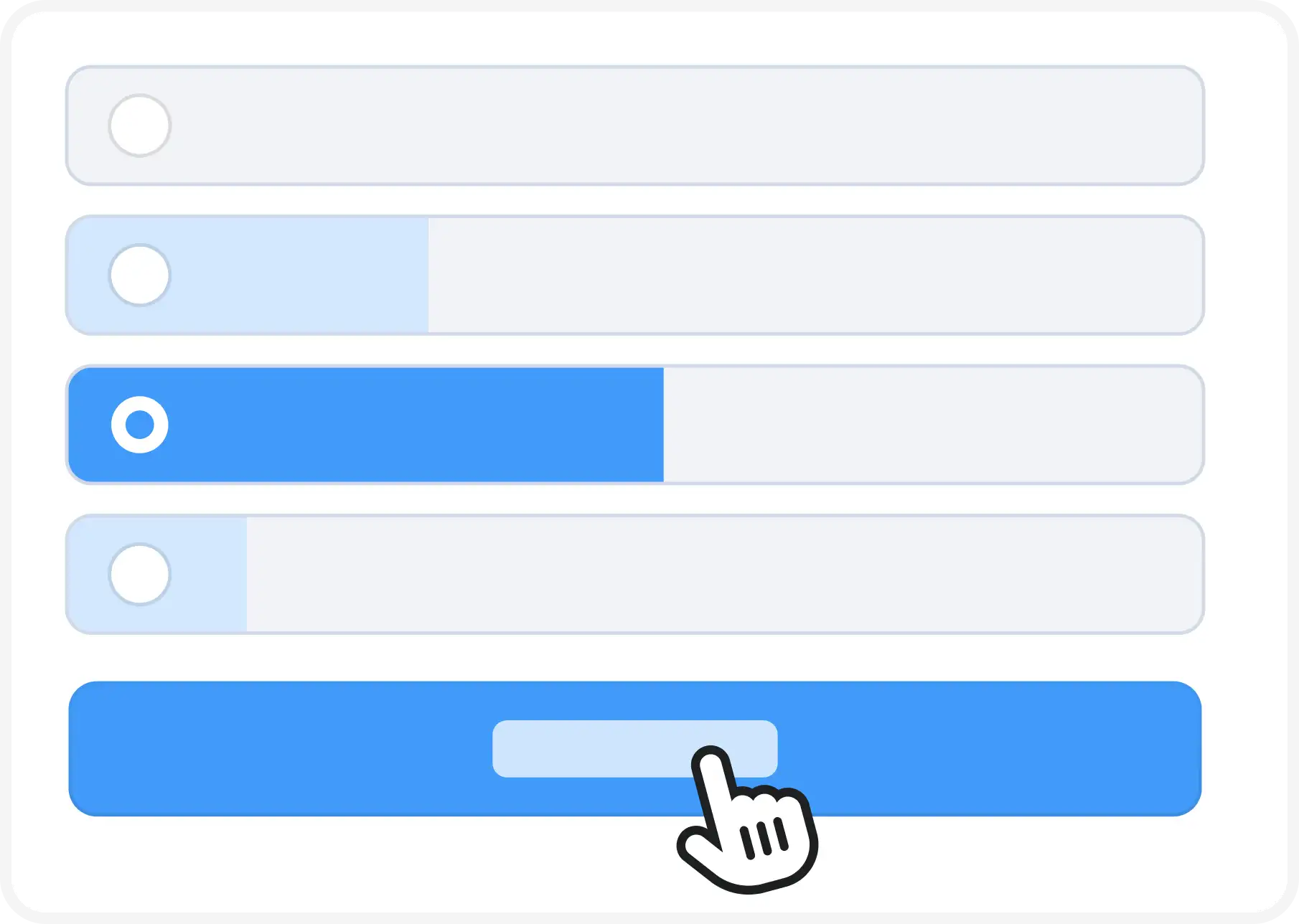
Get the opinion of your community
Picking up an opinion, a vote, or something else in your community? Start a poll.
As many polls as you want
Specific questions for your community? Create one or more polls.
Follow the results in the app
During voting, follow results live in the app. Or receive results via push notification.
Also polls within groups
You can also create a poll that only a specific group of members can vote on.
Anonymous voting possible
It is possible to cast your vote anonymously.
Making Optimal Use of Polls
Polls make it easy to ask questions of your community. You can post a poll in the community or in a specific group.
You choose whether to show the intermediate result or not. – the Poll is the way to quickly find out your community’s opinion.
💡 Tip: Use the Poll as a date picker for an event, meeting or outing. Because you can make multiple choices possible, you can see members’ preferences immediately.
What can you do with Poll?
Poll places that are visible to the entire community or a specific group.
Poll in groups allows multiple polls to be easily done within groups.
Multiple choice or only 1 vote? you choose.
Displaying intermediate poll results can, but does not have to.
Duration and closing date set is simple.
Send push notifications To raise awareness of your poll.
Administrators can create Polls in the Community.
Within groups, the group administrator can specify who can add polls in groups. This can also include all members.
Yes. You can choose whether a poll is visible to the entire community, or only to specific groups.
Changing a poll can only be done when a vote has not yet been cast to protect the voter’s choice. Deleting a poll is always possible (if allowed in the context).
No, you will not receive notification of a new vote.
Sure! You can easily add images, documents or other files to your poll.