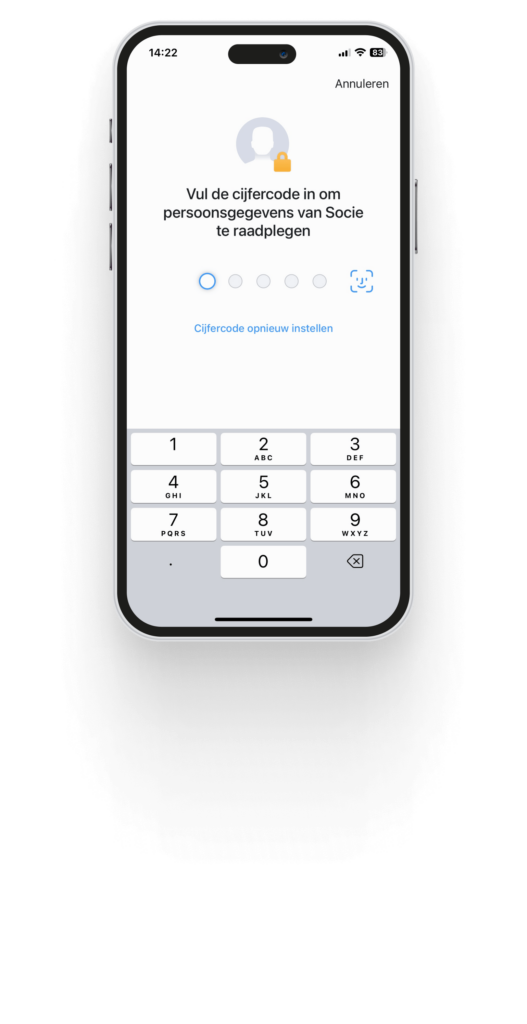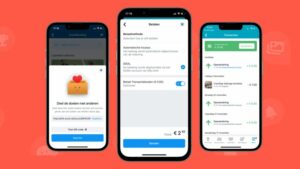

App administrators can additionally secure their Socie App, by activating additional access controls. Members choose to enter an access code, fingerprint or FACE ID in the app itself.
You will find this option through the Community Administration. Log in and go to: Settings -> Access->General. And click on edit.
There are 3 possible settings:
- No additional access control
- Every time the app is launched
- Only when consulting personal data
1. No additional access control
This allows members of your community to log in and then see the content of your Socie app. Also the personal data.
2. Every time the app is launched
Members will now have to enter their additional access control every time they open the app. Even if they have saved their login credentials.
3. Only when consulting personal data
Here, members of your community can log in and see components. But as soon as they want to view personal data of other members, the additional access control will have to be entered.