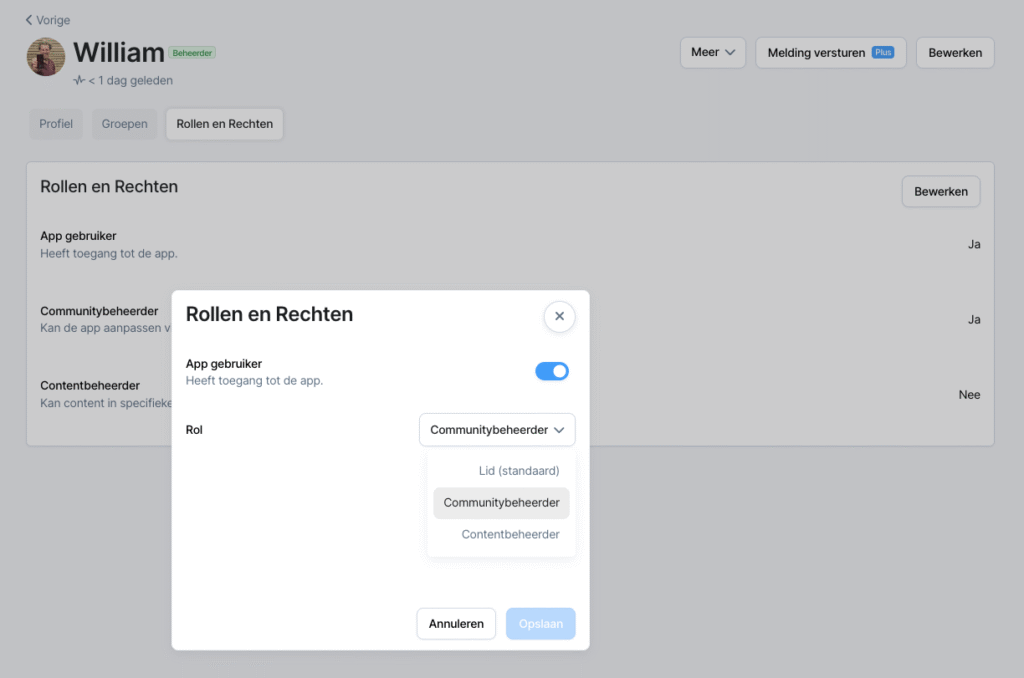
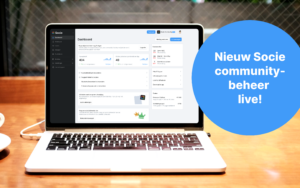
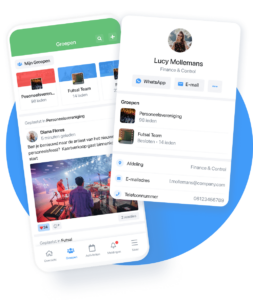
From now on it is also possible to apply content administrator rights from the member profiles in the community management. This way all roles and rights are together.
Automatic widgets on the overview page
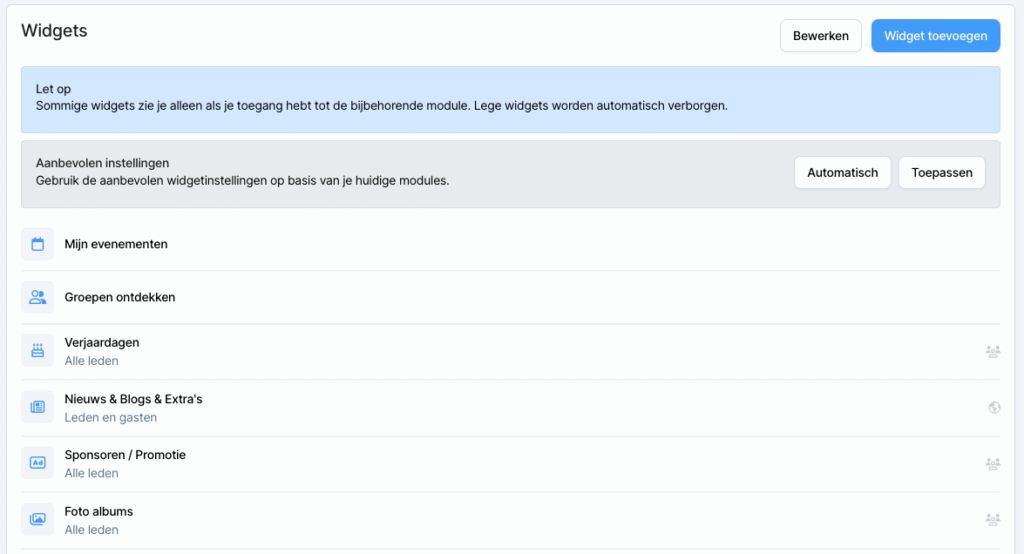
A new feature has been added to the overview page. In Widgets, the setting “Automatic” has been added. If this setting is on, the widgets are managed automatically.
Image upload revamped
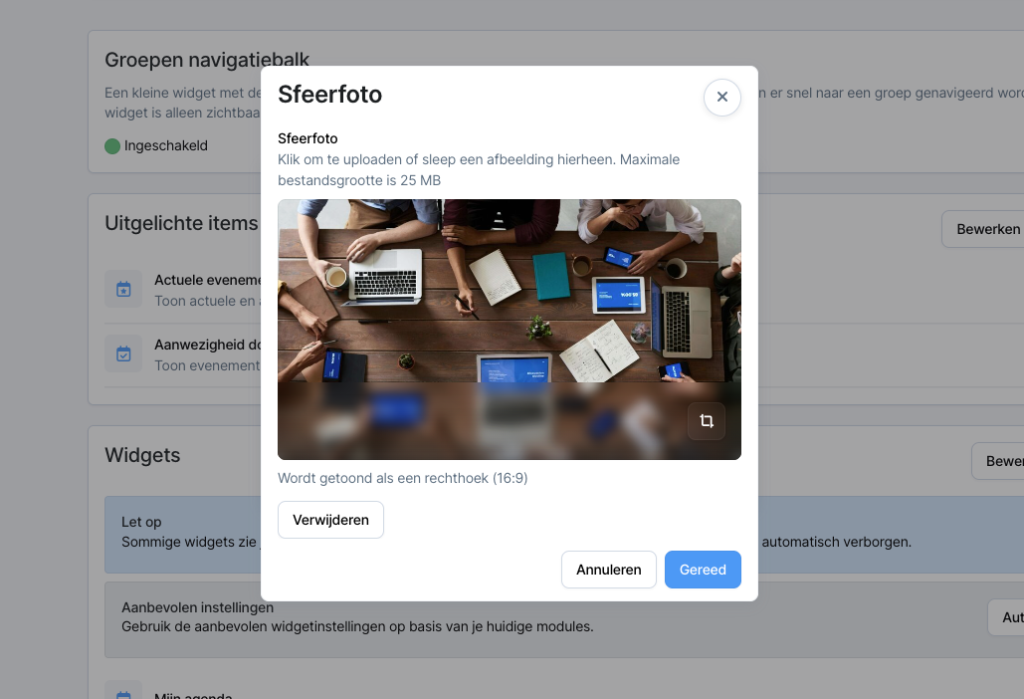
Image uploading has been completely revamped. It is now also possible to crop images. There is also a direct indication of how the image will be displayed.
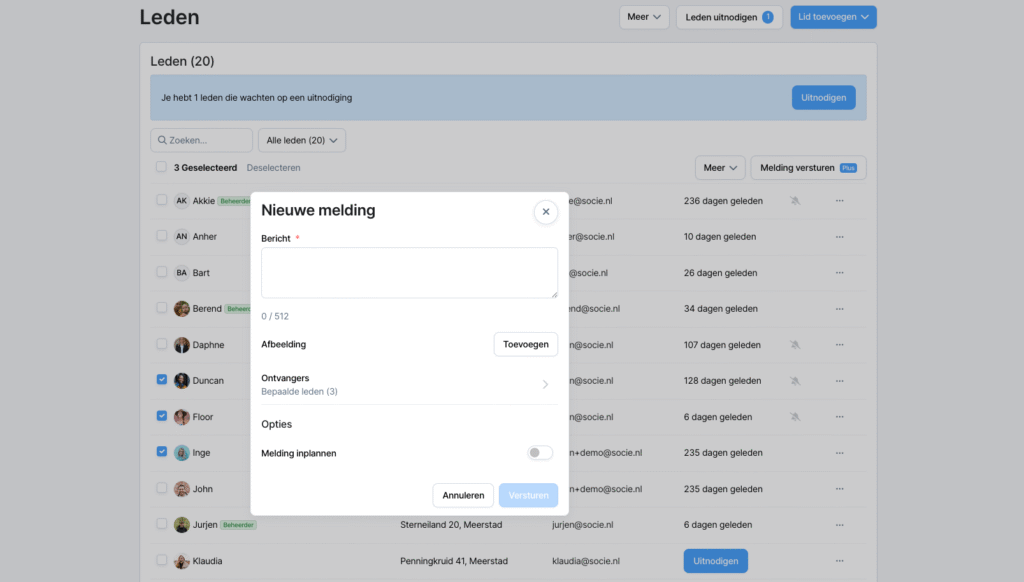
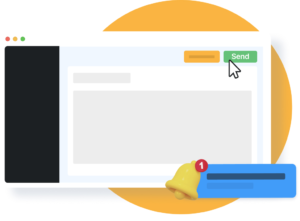
Send notification from the member list in community management
By popular request from our community administrators, we have added a super handy feature.
👉 Choose 1 member or multiple members and send them a 💬 Push Notification immediately.
Member detail page additional info: user account linked
On a member’s details page, you can now see if the membership is linked to a user account.